Online store password rules
Open CMS click general settingclick system settingclick page tab online store password rules .
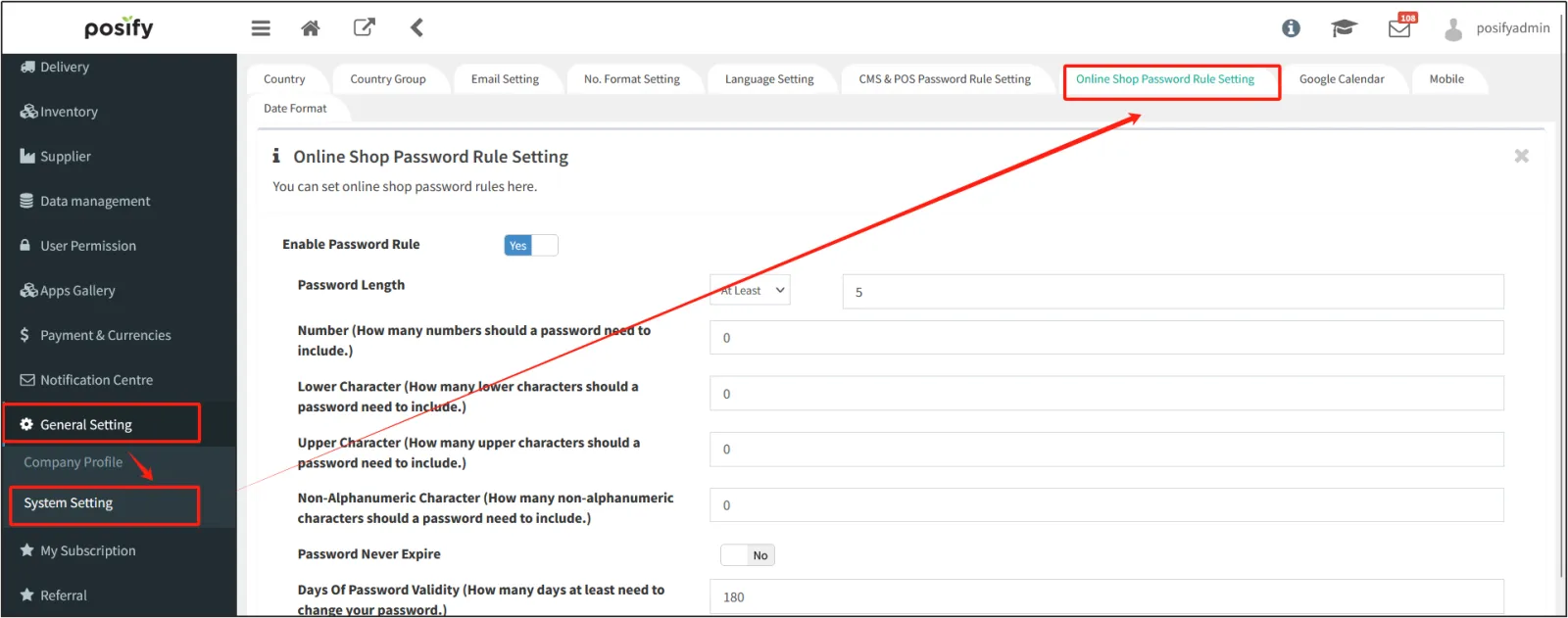
Select [Enable Password Rules] to Yes to enable password rules.
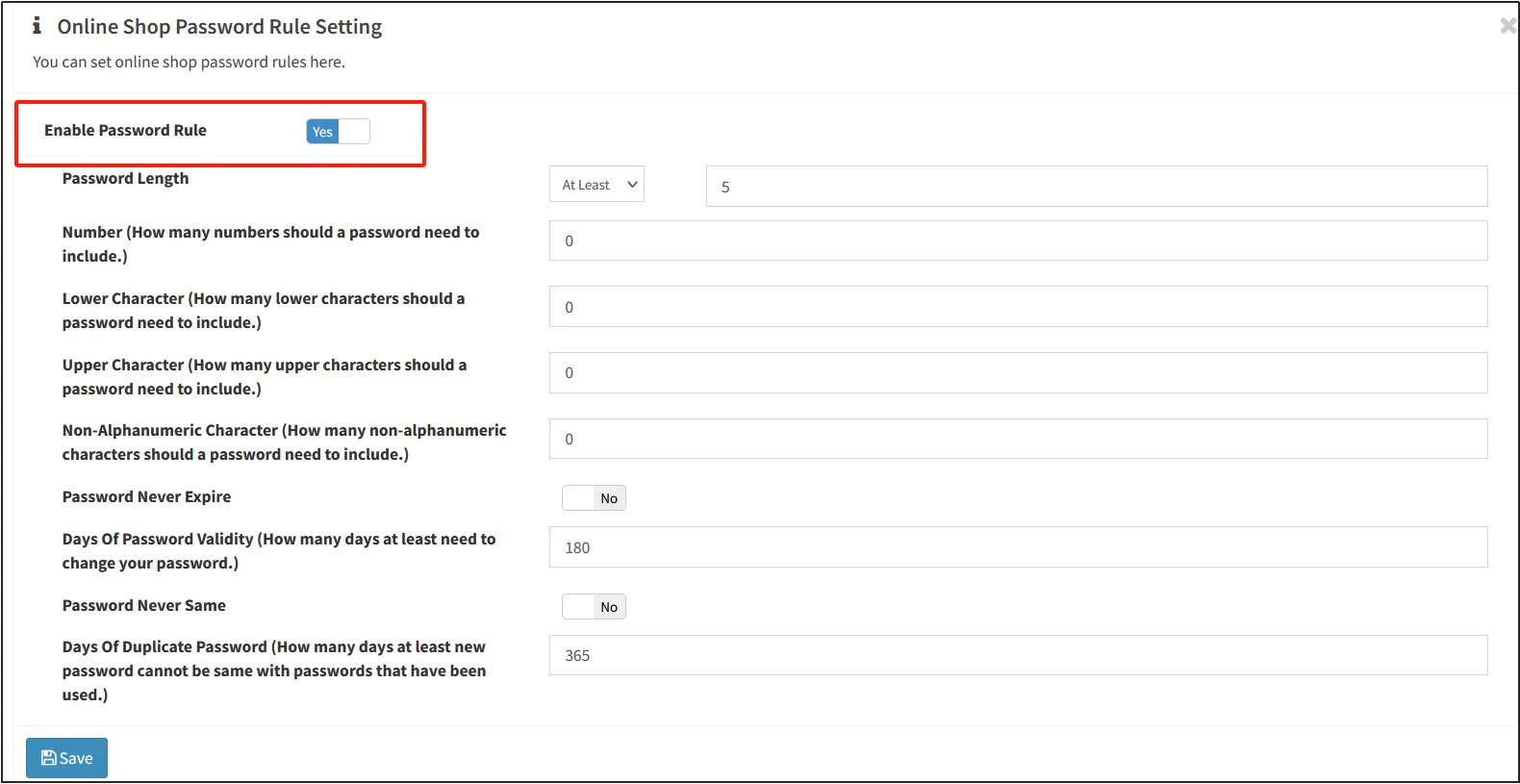
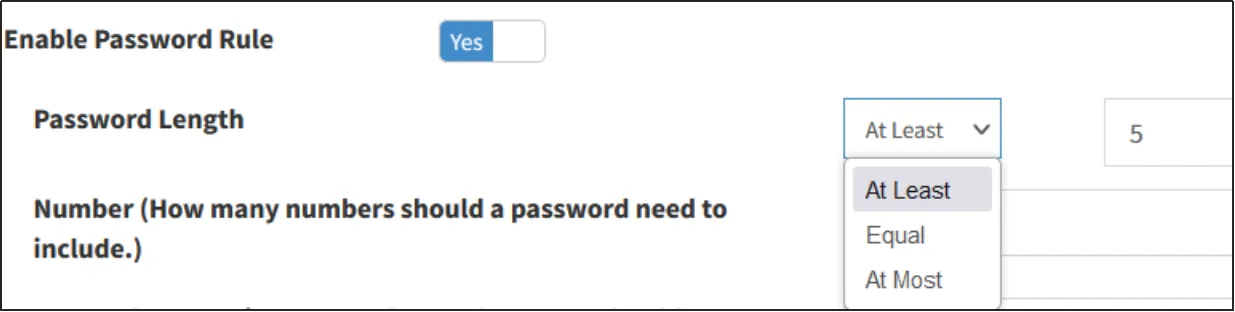
password length:
Click the drop-down box behind [Password Length] to select at least, equal to, at most, Choose different options, and fill in the number in the input box behind, respectively, you can set the password "at least n digits", "equal to n digits", "at most n digits".
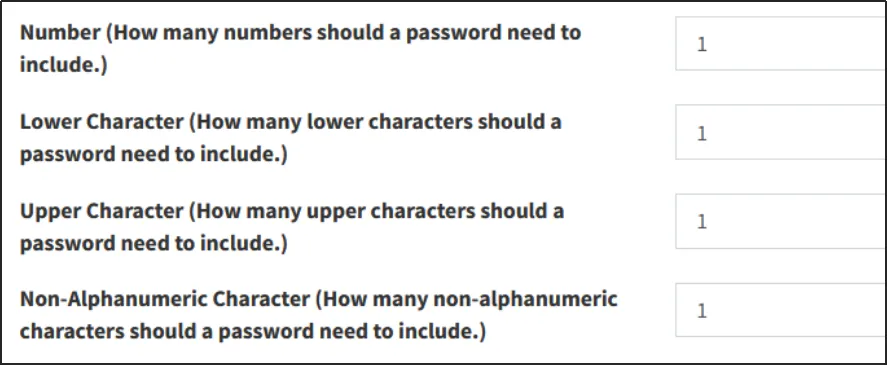
contains characters:
Enter a number after the corresponding field to set at least how many certain characters are included in the password.
For example: Enter "1" after the [Number] field, indicating that at least one numeric character must be included in the password.
Other password settings:
Password never expires: If you select Yes, the password will not expire (regular modification is not required), and the [Password Valid Days] section below will be automatically closed.
Valid days of password: how many days need to change the password every time.
Never repeat password: Select Yes, and the new password will be set as the old password that has been used before. The [Number of Days without Repeating Passwords] field below is automatically collapsed.
Number of days that passwords are not repeated: How many days old passwords cannot be used when setting a new password.
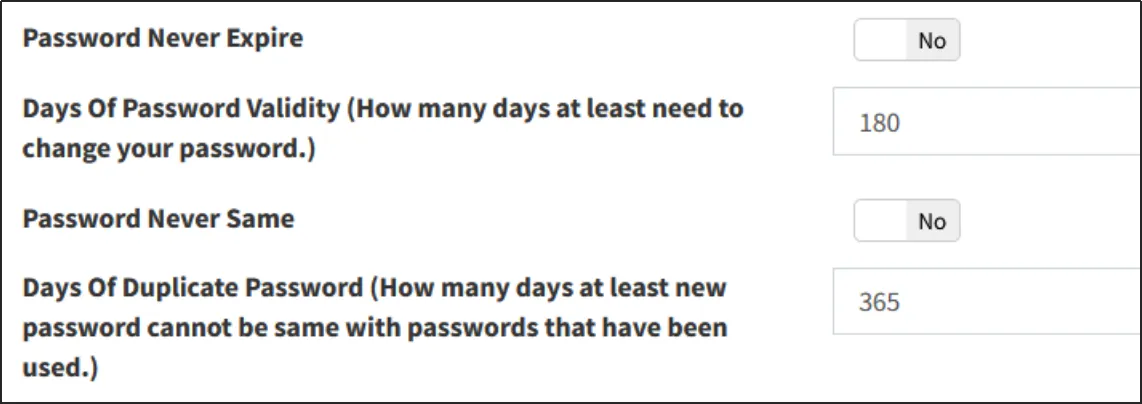
After setting, click [Save].
CMS and POS password rules
Open CMSclick general settingclick system settingclick page tab CMS and POS passsword rules .
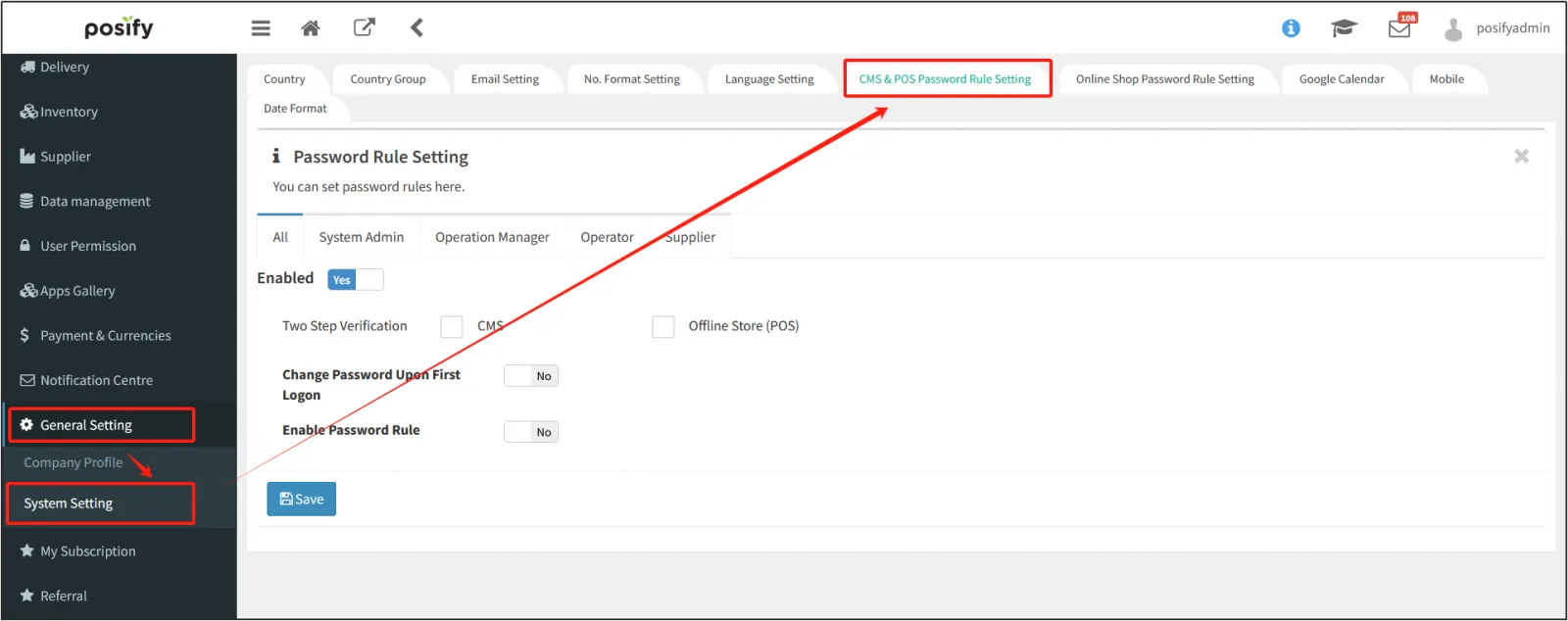
Under the sub-tab [All], you can set password rules for all users, and in other sub-tabs, you can set password rules for users of a certain identity.
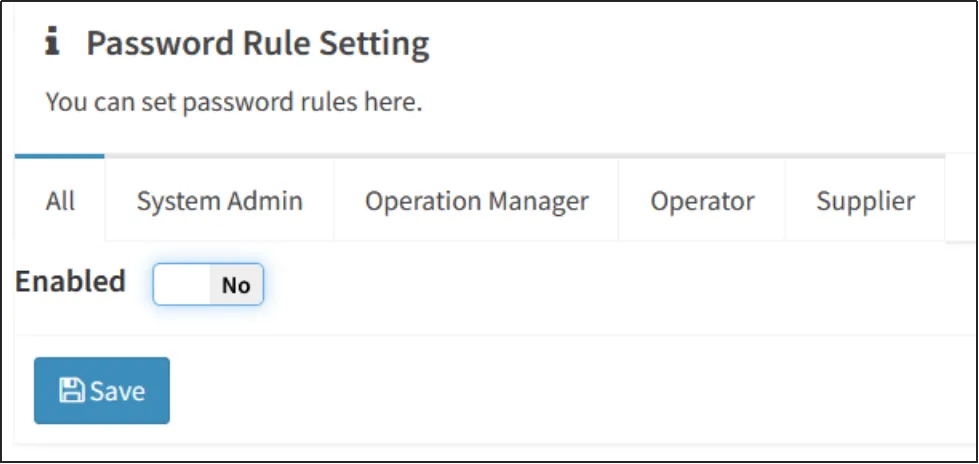
Click [Enable] to enable password rules.
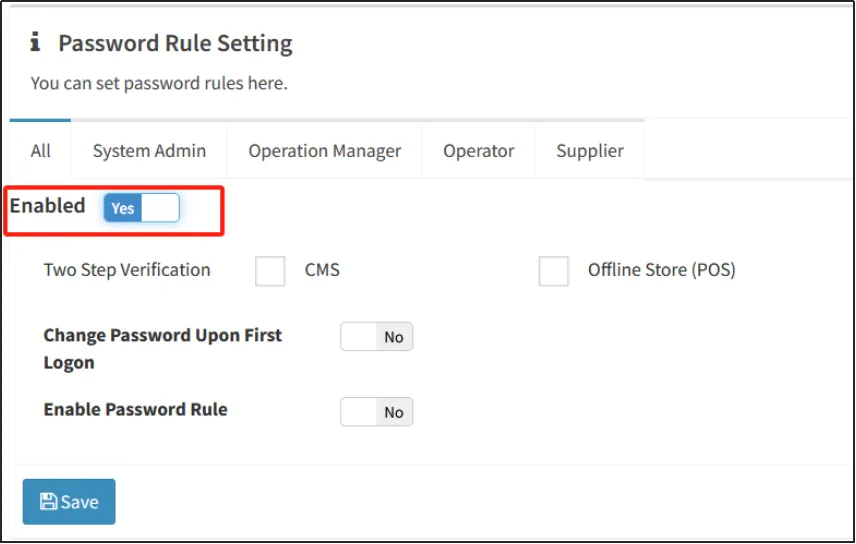
Change password for the first login: After enabling it, the user will be forced to change the initial password when logging in for the first time.
Enabling password rules: the same as the online store password rules section of this playbook.
Click [Save] after setting.


