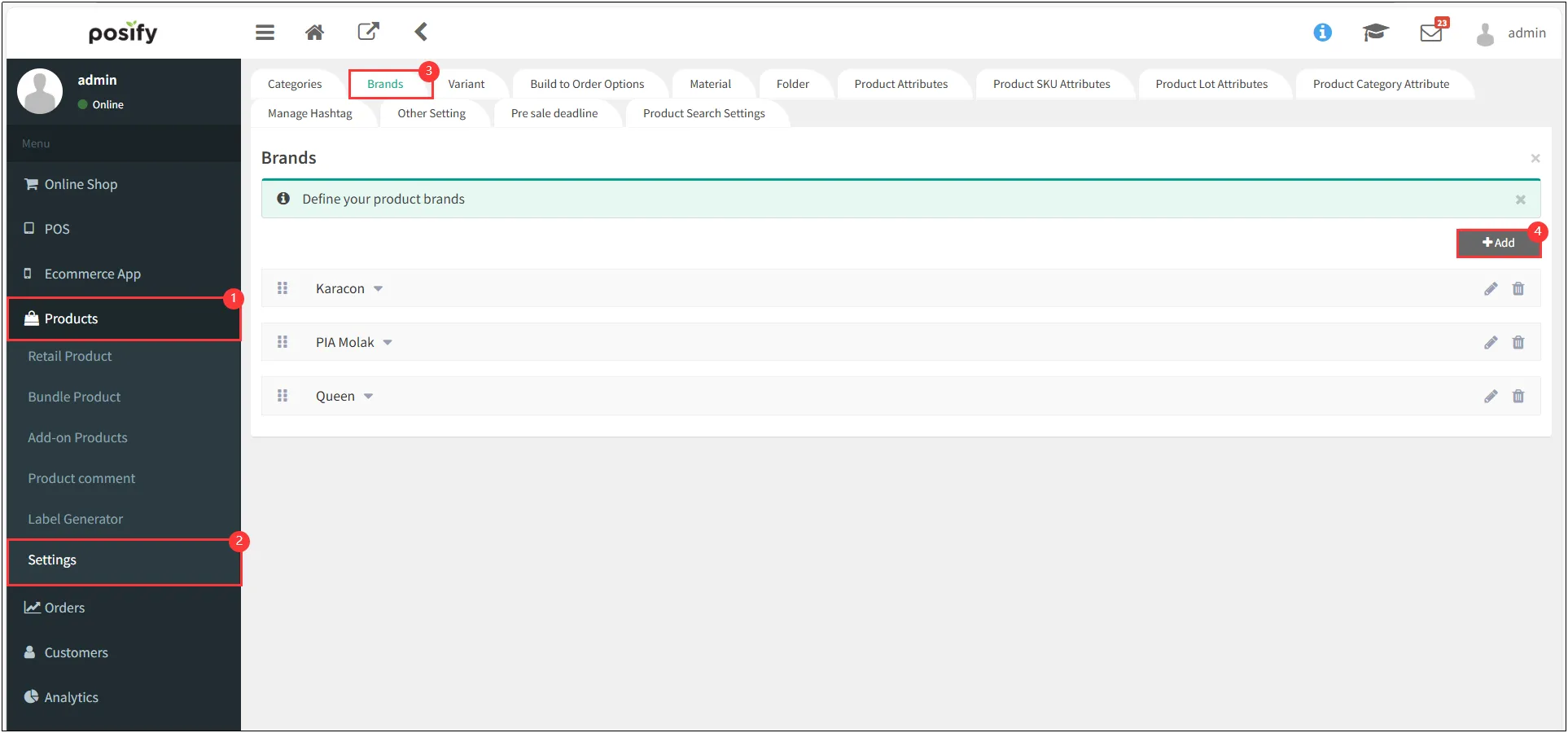
Add Brand
Open CMS
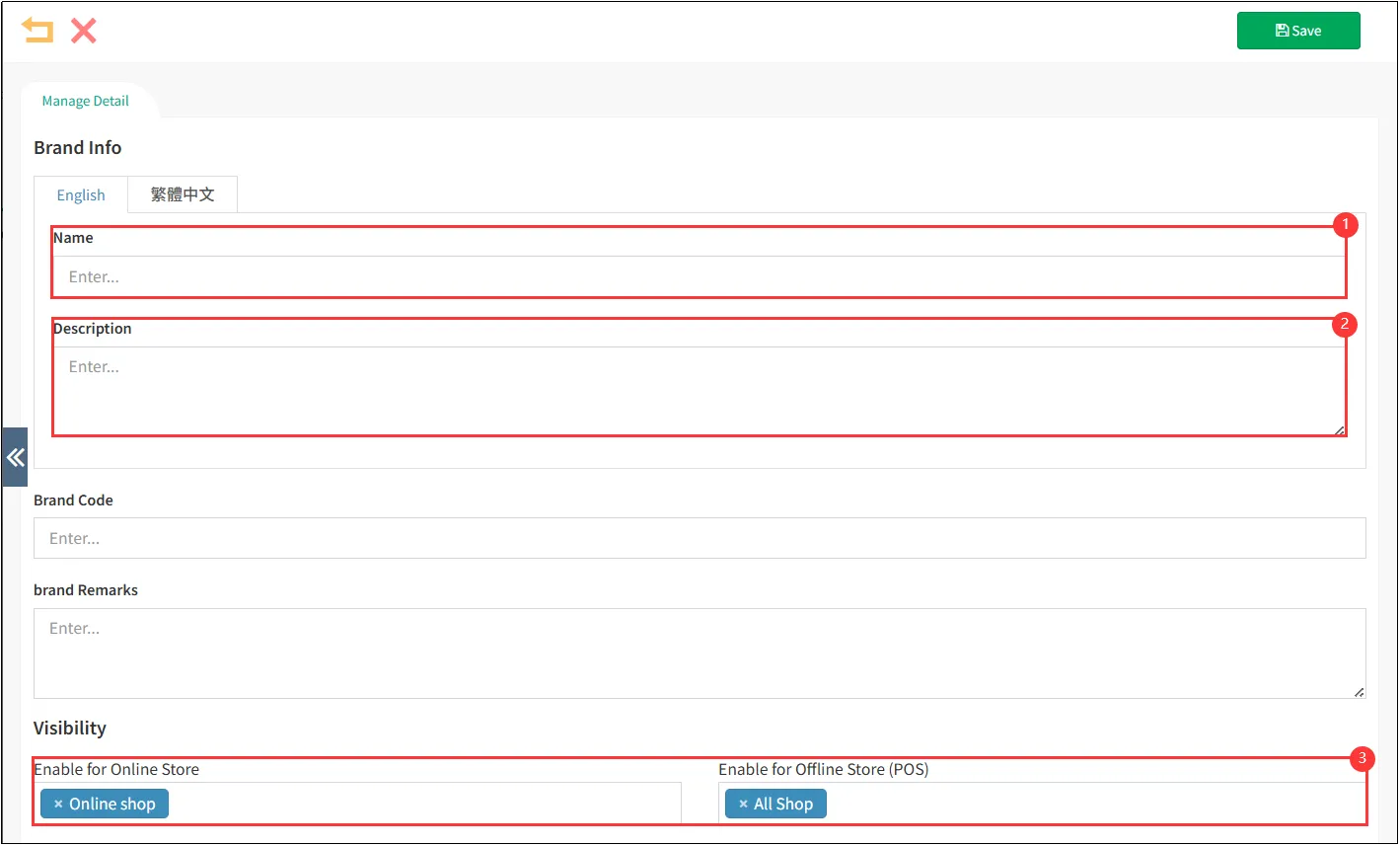
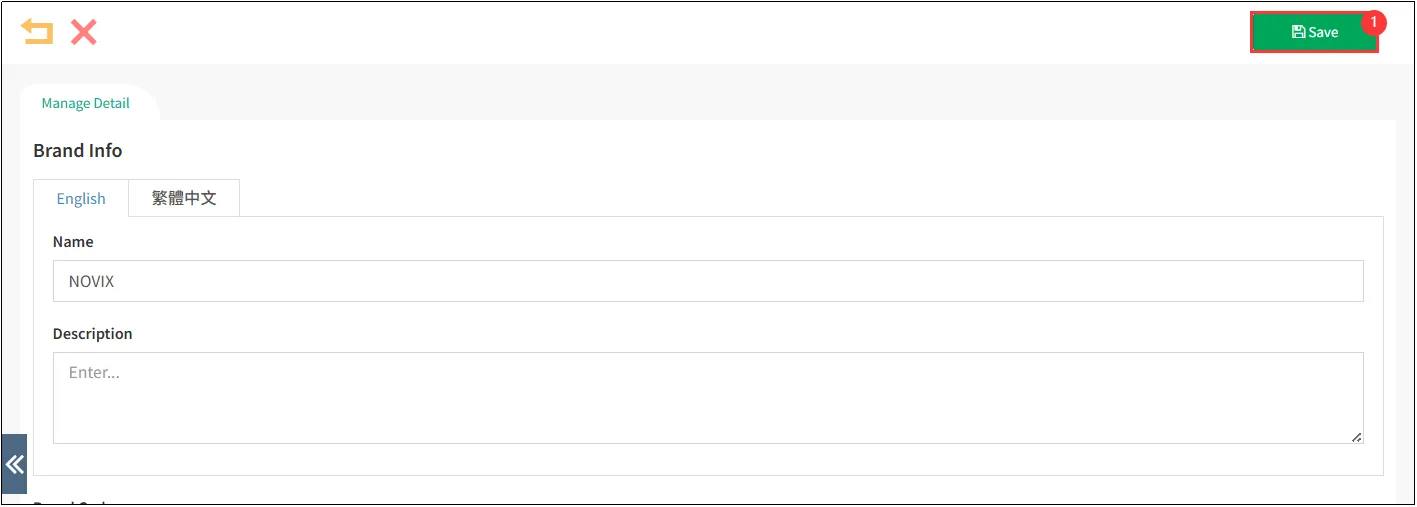
Enter the Brand name and Description
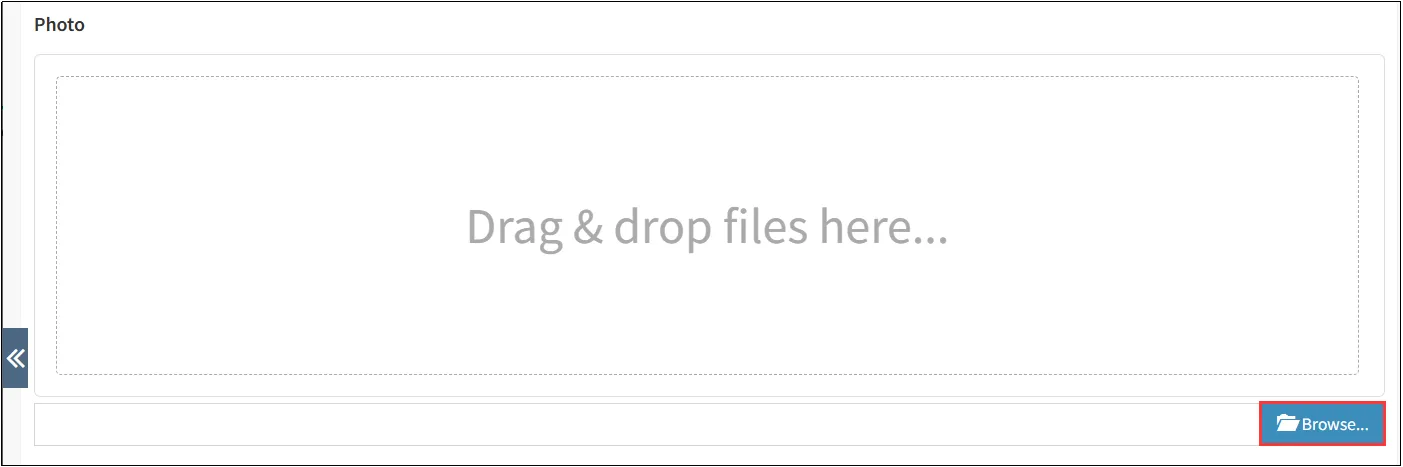
Click Browse... to upload a brand photo.
After completing the setup, click [Save] in the upper-right corner.
Edit Brand
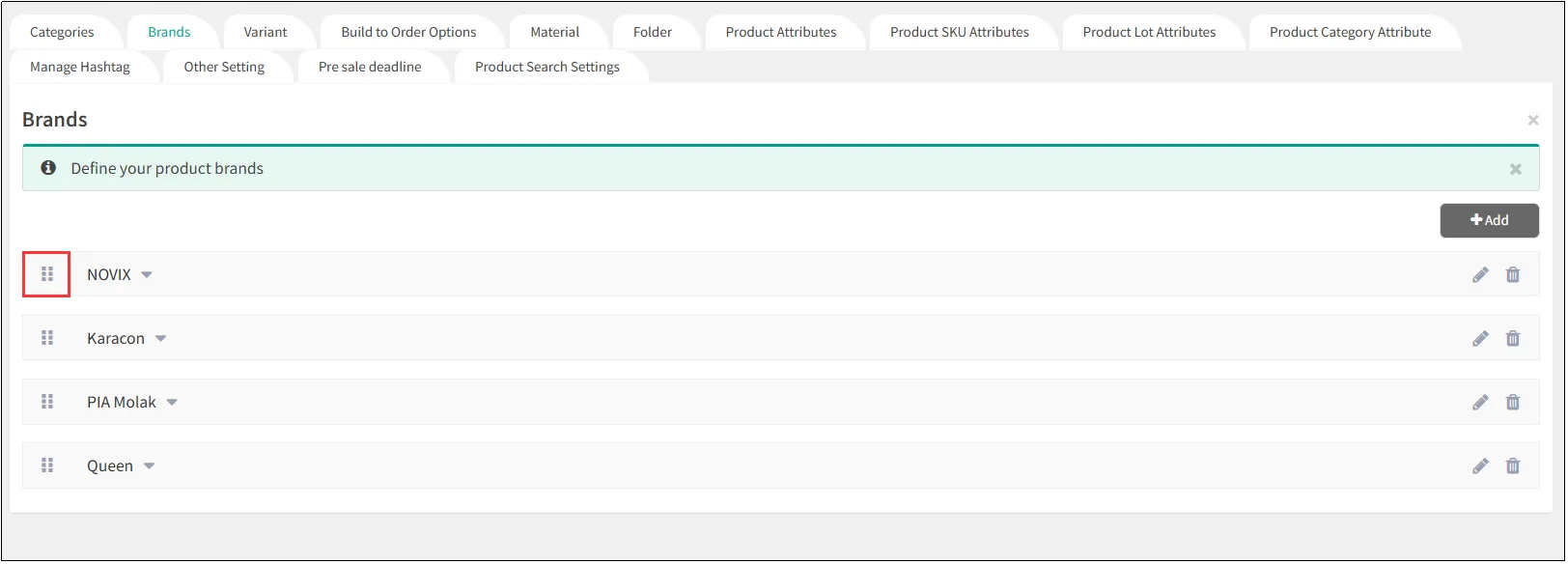
Arrange Brands
To adjust the display order of brands, click and hold the 
Modify Brand
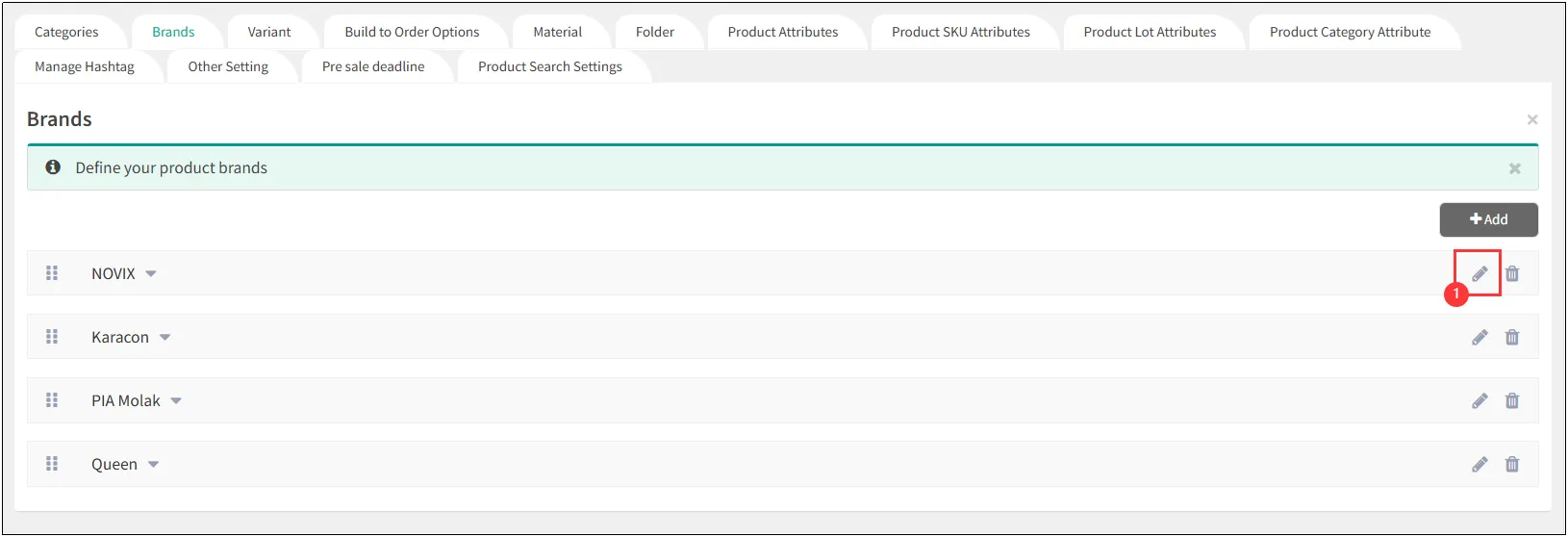
To modify brand details (e.g., name or logo), click the
Delete Brand
Open CMS
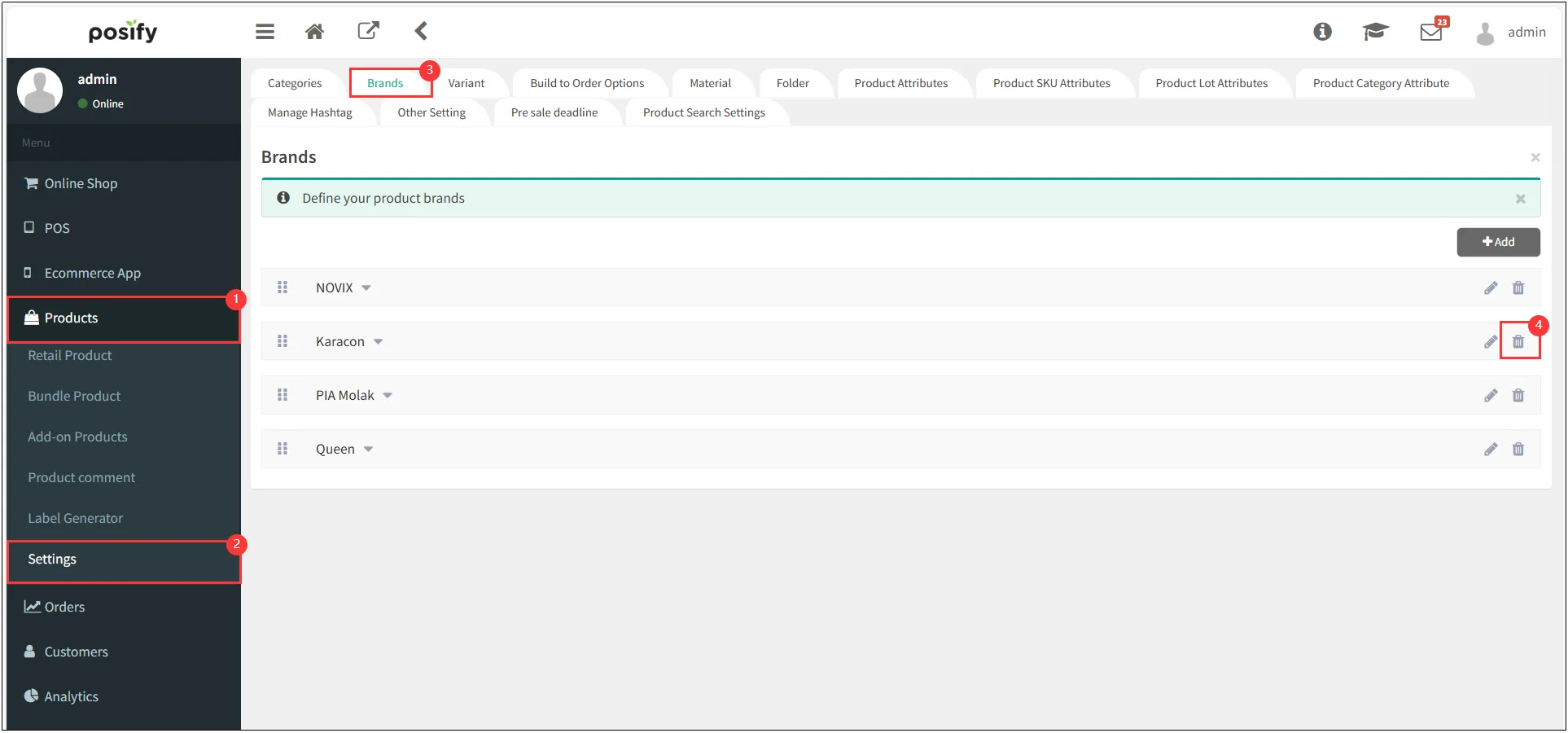
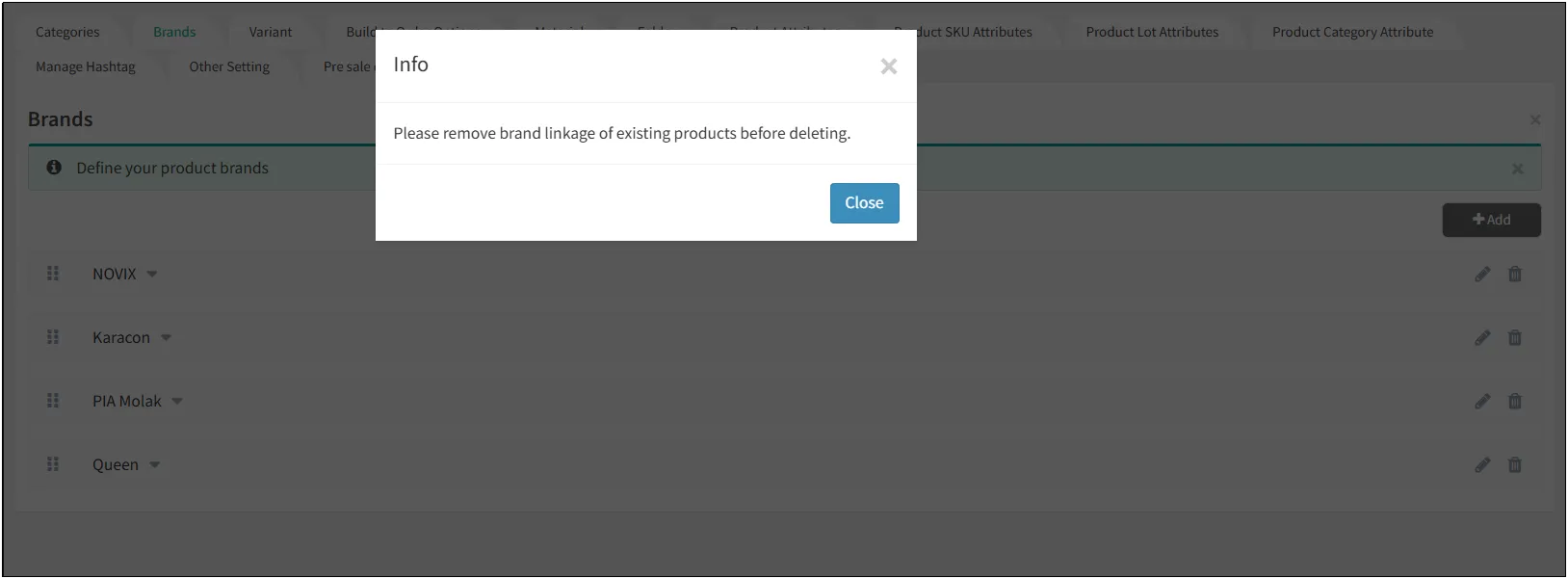
Note: If the deletion prompt shows [Please remove brand linkage of existing products before deleting.], you must first unlink all associated products to proceed with brand deletion.